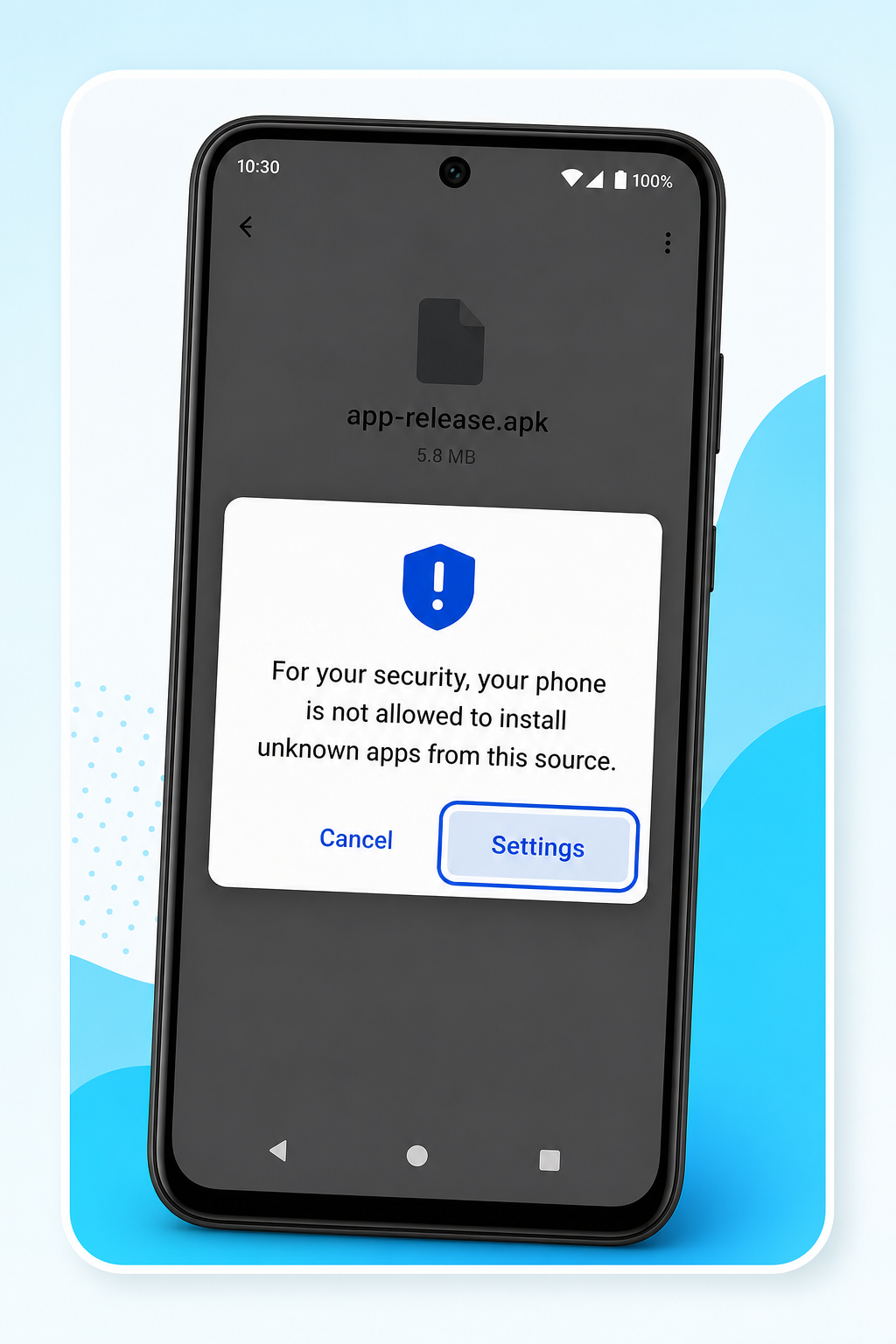
Tap Settings
When Android blocks unknown apps, tap Settings on the warning screen.

Only 5 MB, quick to install, and built for direct Winbox access without repeated browser redirects.
🔒 100% Virus-Free & Safe Download
Official file from winbox.bio. Do not install APKs forwarded in chats.
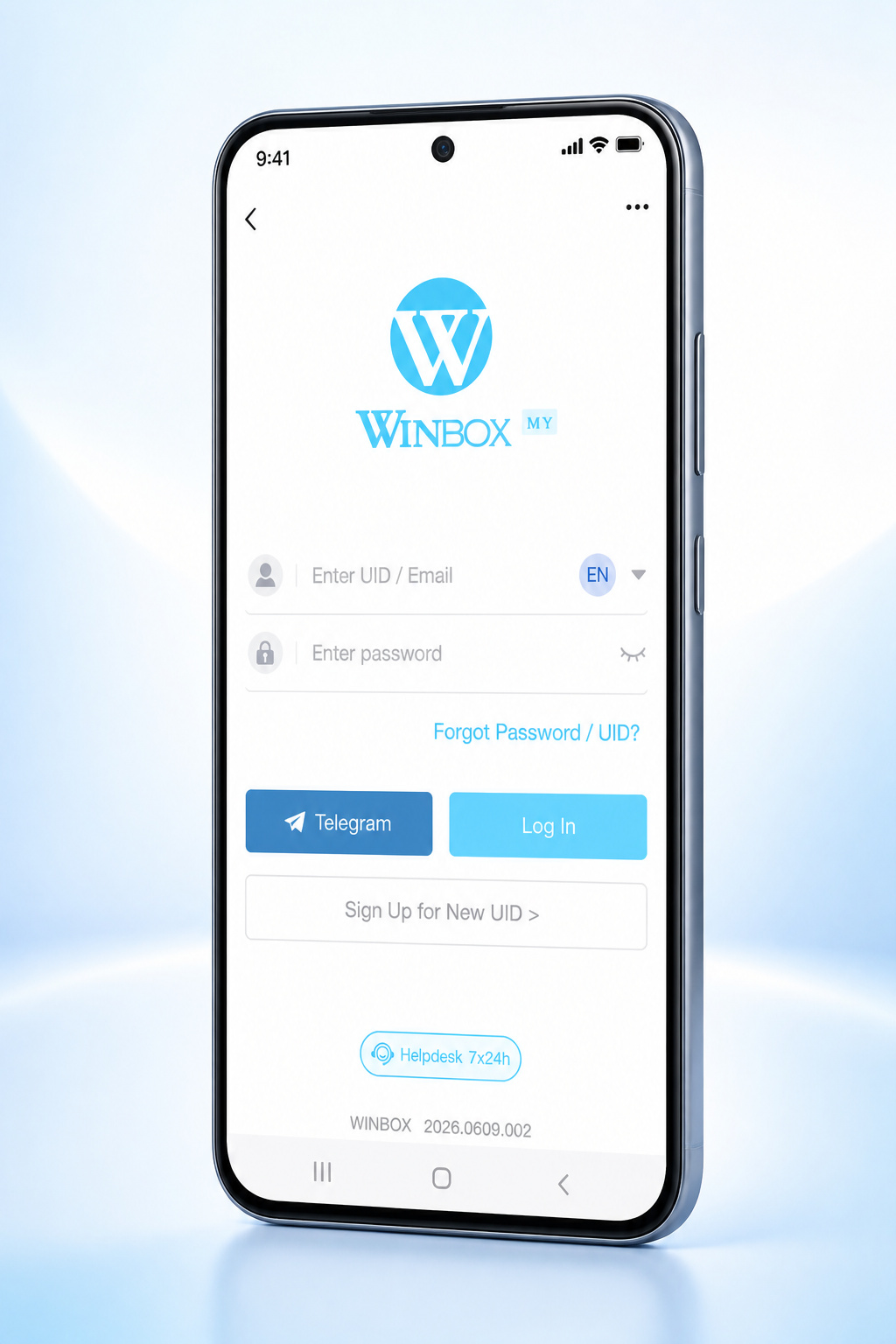
A simpler everyday experience built around speed, privacy and direct access.
| Feature | Winbox APK By Winbox.bio Team | Other Providers |
|---|---|---|
| App size | Only 5 MB | Often 100+ MB |
| Launch speed | Opens in seconds | Heavier loading time |
| Storage use | Light on phone storage | Takes more space |
| Access | Direct Access to Winbox | More browser redirects |
Tap the official button above and wait for the APK to finish downloading.
If Android asks, allow your browser to install this one official APK.
When Android blocks unknown apps, tap Settings on the warning screen.
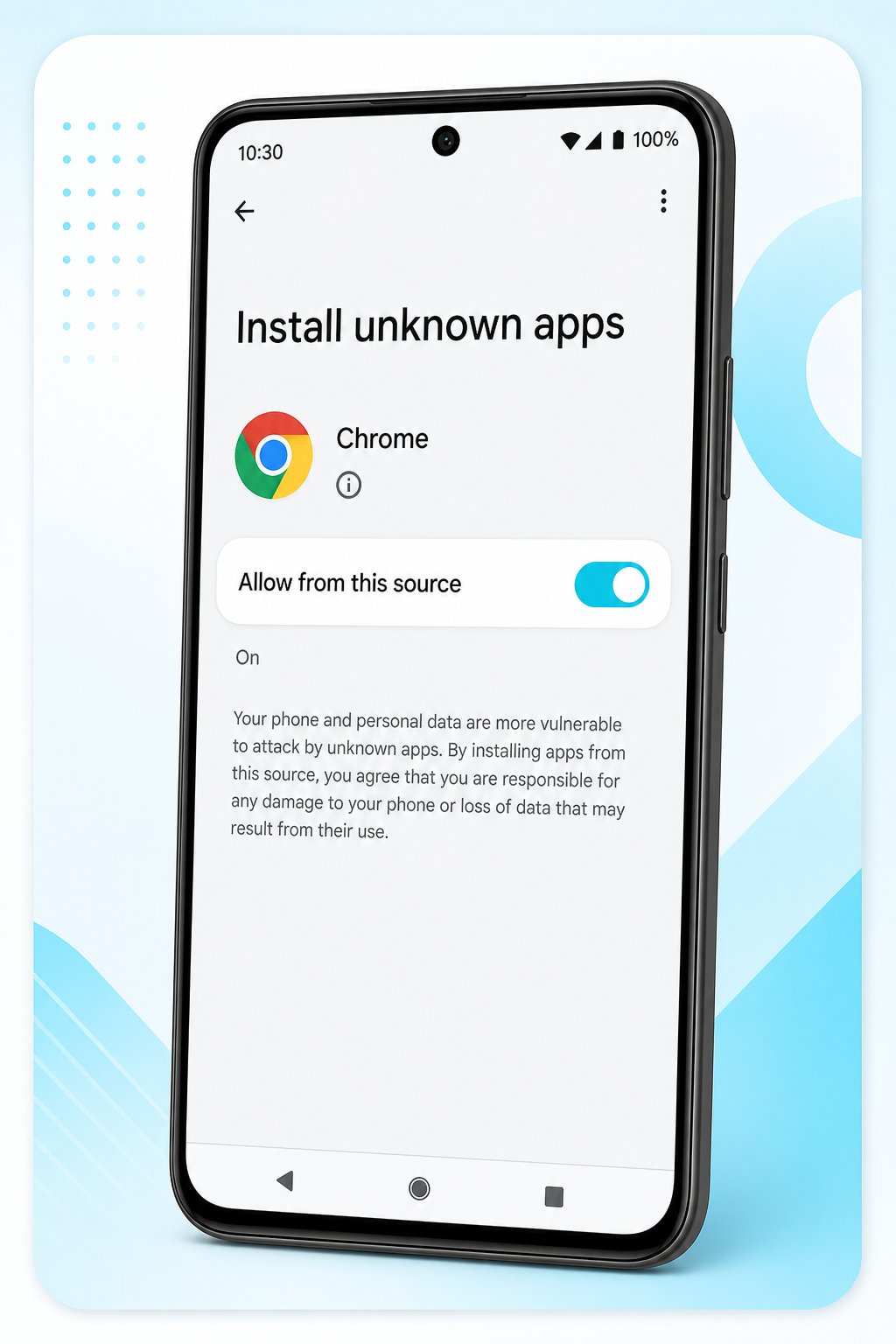
Turn on Allow from this source for your browser, then return to install the APK.
Finish installation, launch the Winbox app and keep it on your home screen for quick access.
Yes, downloading the official Winbox APK from winbox.bio is 100% secure and free of malware.
Open Winbox Web in Safari, tap the Share icon, and select 'Add to Home Screen' to create the iOS Winbox App shortcut.
Close the Winbox App and open it again. If it still crashes, delete the old Winbox APK and reinstall the latest version from this page.
Refresh the Winbox App once, then switch between Wi-Fi and mobile data if the images still do not appear.
Reopen the Winbox App, clear the browser or app cache, and make sure your network connection is stable before trying again.
Android may ask permission because the Winbox APK comes from outside the Play Store. Allow only this official Winbox download from winbox.bio.
No. The Winbox APK is for Android. On iPhone, open the Winbox App in Safari, tap Share and choose Add to Home Screen.

Install the official Winbox Login APK, then sign in with the same account you use on H5 or desktop. No extra browser hops after the app is on your phone.